The Best IT Distribution...
IT distributors are essential in the IT industry,...
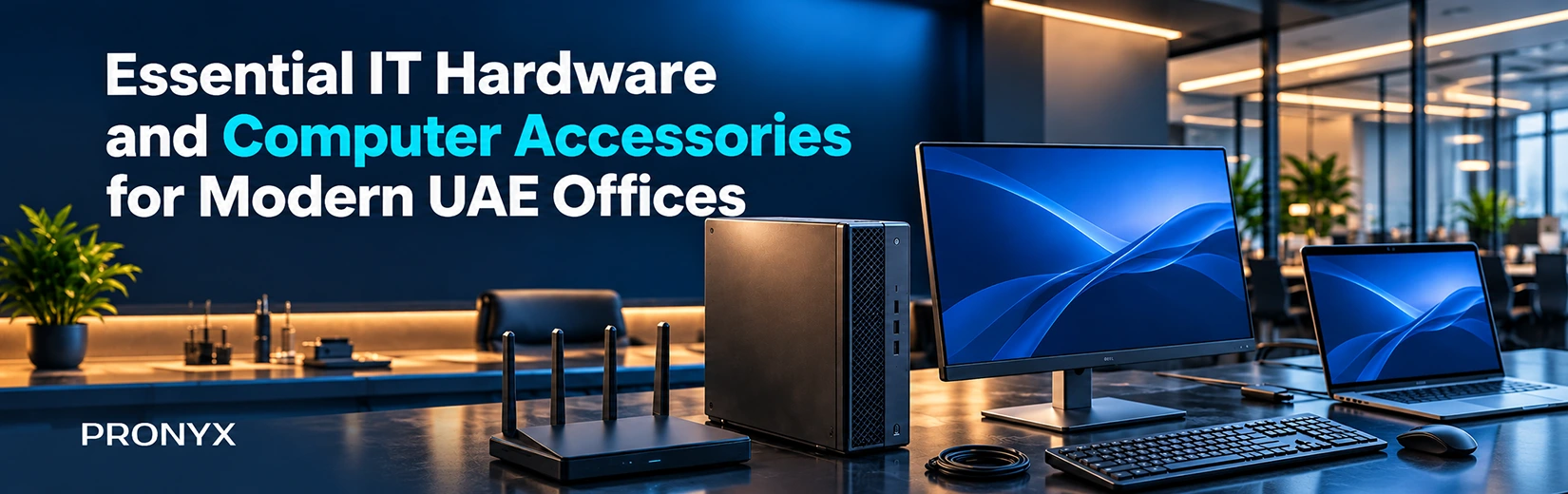
Setting up an office is more than simply buying a bunch of computers and plugging them into the internet. Monitors, storage devices, keyboards, cables, and power equipment also affect the performance of a workstation. When UAE companies open their new offices or upgrade existing systems, choosing compatible hardware can save them time and prevent unnecessary spending.
A trusted computer hardware supplier in Dubai, UAE can help businesses to source right products for different kinds of roles, and it can start from basic administrative work to heavy technical tasks. Here is what to consider when putting together an office setup.
For normal day-to-day office work, a 24-inch Full HD monitor is generally a good place to start. If your employees do work on detailed designs or large spreadsheets, you may want a bigger screen or higher resolution for them. Monitor connections (HDMI, DisplayPort, etc.) should be compatible with the computer.
The right components depend on what employees do with their computers. If we talk about email, documents and web browsing, they don’t require a lot of processing power, but design software and other heavy-duty apps can be more demanding. Besides processors, the motherboard you select needs to be compatible with the processor and RAM. As for RAM, 16GB is usually enough for most office computers and general multitasking, but heavier workloads might require 32GB or more.
An SSD makes a computer boot up faster and open applications more quickly than a traditional hard disk drive. NVMe SSDs are usually faster than SATA SSDs, but your computer needs to support whatever you choose.
Storage capacity is also crucial. Ensure that you have enough space for business software, documents and other work files. Pronyx offers storage solutions from ADATA, Hiksemi and other brands to suit different types of requirements.
Computers are only one part of the entire office set-up. Employees need accessories too to type in comfort, join meetings, connect devices and share files. Here are some other things you might want to consider to complete your office setup.
Connectivity and power accessories are the next thing to select after picking up the necessary hardware and daily accessories. Here are some things to look for before you buy.
You’ll find a lot of brands when shopping for office hardware. Some brands focus on storage and computer parts; others sell monitors, power supplies and everyday accessories. Knowing what each brand has to offer can definitely help you narrow down your options.
Different brands offer different types of computer hardware. ADATA and HIKSEMI offer memory and storage products, including the ADATA SU650 SATA SSD for compatible computers that need a storage upgrade and ADATA LEGEND 960 NVMe SSD for systems requiring faster data access.
For high-performance PCs, XPG, ADATA’s gaming and performance brand, offers products such as GAMMIX SSDs and LANCER DDR5 memory for compatible systems used in gaming, content creation and demanding workloads.
Huntkey offers power supplies such as the CP4500 for compatible desktop builds, while its GX series includes higher-wattage options for more demanding systems. Antec also offers power supplies and PC cases for new computer builds and workstation upgrades.
LG is a good option when choosing monitors for an office. Its range includes Full HD screens for everyday tasks, as well as QHD, 4K and UltraWide models for employees who need more screen space or sharper detail. For other office accessories, Baseus offers chargers, cables and audio products that help with everyday device use.
As an IT Hardware Solutions Provider in Dubai, UAE, Pronyx supplies products from these and other major brands, helping businesses source monitors and accessories for their office setups.
For businesses in the UAE sourcing IT equipment for an office, the challenge is ensuring the computers, accessories and power equipment work well together. A few checks before you place your order can help you avoid mismatched products and unnecessary buys.
A connector fitting does not always mean an accessory will support every feature. For example, some USB-C ports only support data transfer, while others also support display output and laptop charging. The same limitations may apply to docking stations and adapters. Check the exact computer model and the features it supports before choosing items, especially when you are getting equipment for several workstations.
Since office equipment can be used for hours each day, consider the build quality and the support that is available if something goes wrong. Check warranty terms, return procedures for faulty items and the availability of replacement units before placing a large order. It is also useful to compare the cost of the complete setup, including any extra adapters, cables or docking stations a computer may need, rather than looking at the price of each product separately.
So with the main hardware, everyday accessories and power connections taken care of, there are also some extras to consider: cable organisers are great for tidying up wires, laptop stands can improve your desk set-up, and privacy screens are handy for employees handling sensitive information in shared work spaces. The necessity for these extras depends on the workspace and the employee’s day-to-day work.
Every office has its own IT requirements, and the best setup gives employees what they need without unnecessary expense. Choosing suitable components, accessories and connectivity helps businesses put together workstations that meet their day-to-day needs.
As a top computer hardware distributor in the UAE and GCC,Pronyx supplies IT hardware and computer accessories for different business requirements.
A standard office workstation usually needs a desktop computer or laptop, a monitor where required, a keyboard, a mouse and the necessary cables and power accessories. Depending on the employee's work, you may also need a headset, webcam, docking station or external storage device.
Compared to a traditional hard disk drive, an SSD usually lets a computer boot up faster and load applications more efficiently. For regular office use, you are usually better off with an SSD as your main drive, but if you have lots of data to store and want to do it at a cheaper cost per gigabyte, hard drives are still useful.
A USB hub gives your computer extra USB ports for devices like a mouse, keyboard or flash drive. A docking station does more, allowing you to connect a laptop to monitors, other accessories and sometimes a charger or wired internet through one setup.
Before you order, check product models, quantities, stock and delivery dates. Also, it’s good to check warranty terms. One more important thing is to pick similar equipment for employees with similar needs, because it makes setup and future replacements easier.
There are plenty of IT hardware sellers online and in local shops for businesses. Pronyx is an experienced IT hardware supplier for bulk orders. Talk to the Team about your Business Needs and get your items sourced.

IT distributors are essential in the IT industry,...
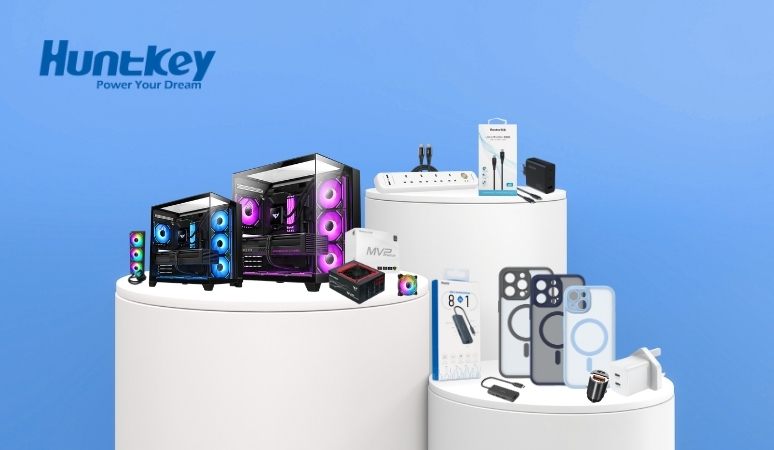
Huntkey is now one of the largest brands...
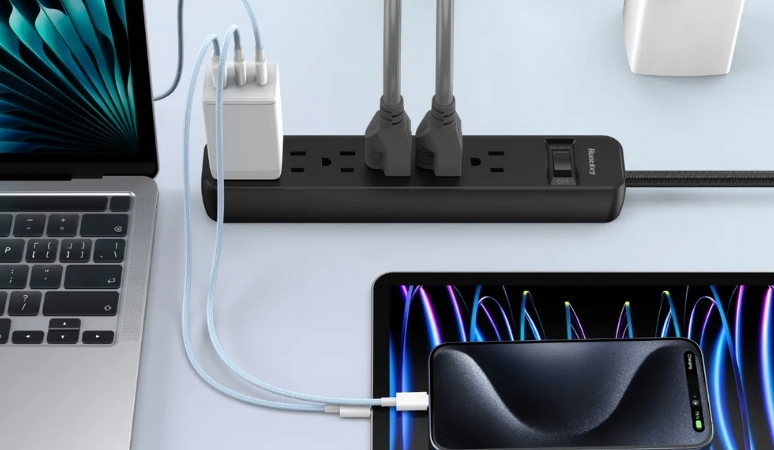
Huntkey is one of the leading global providers...